Getting Started
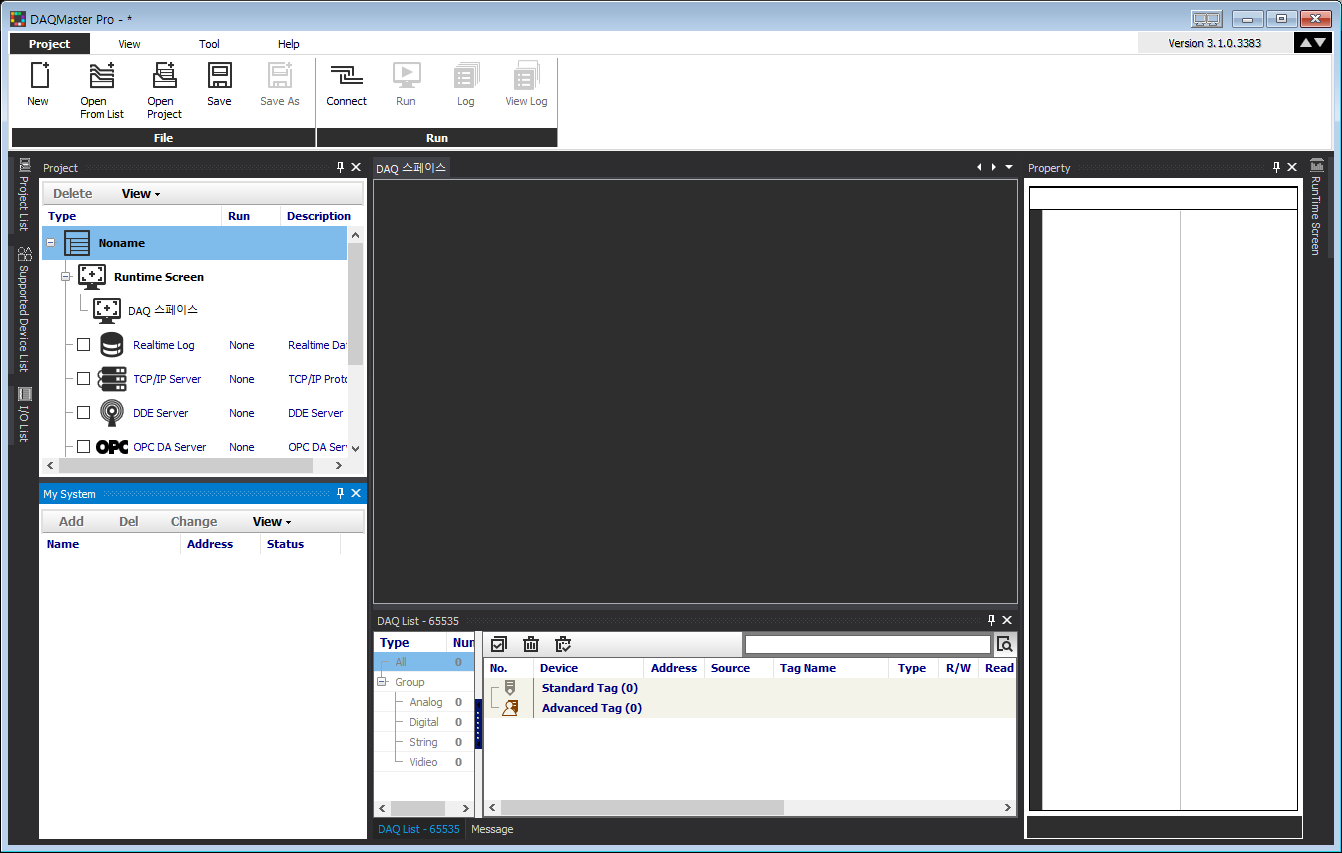
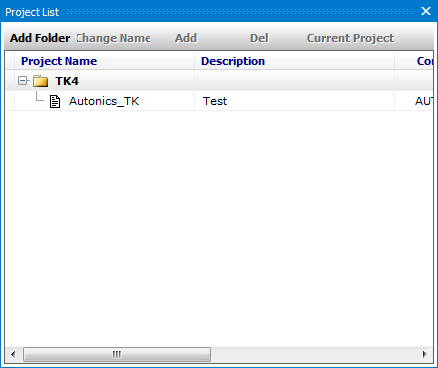
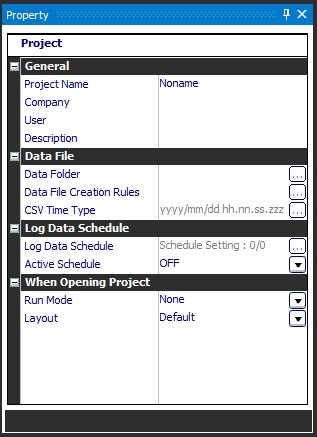
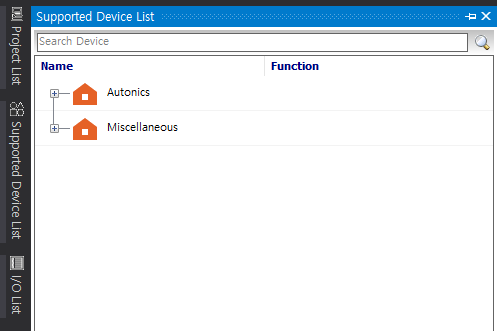
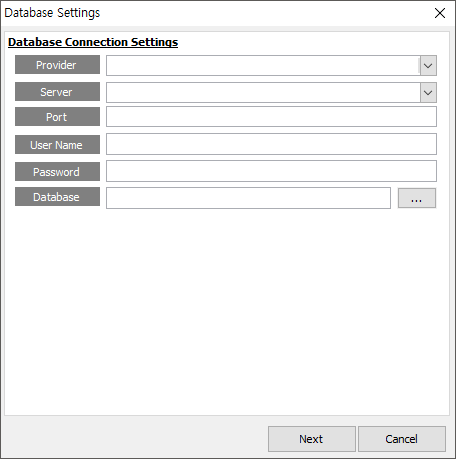
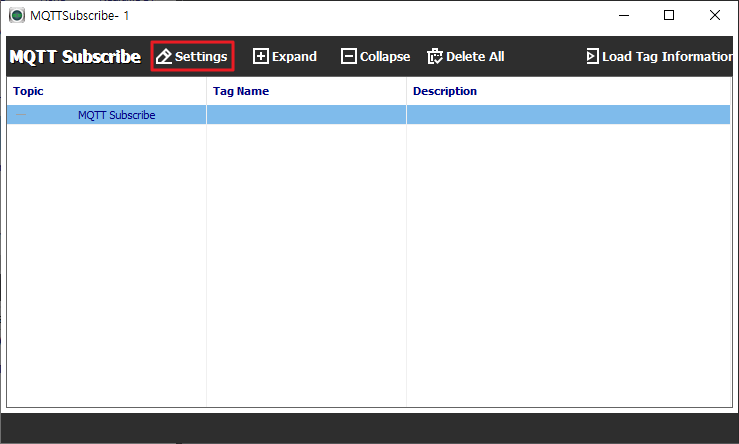
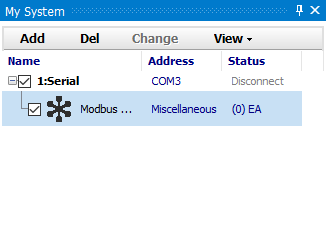
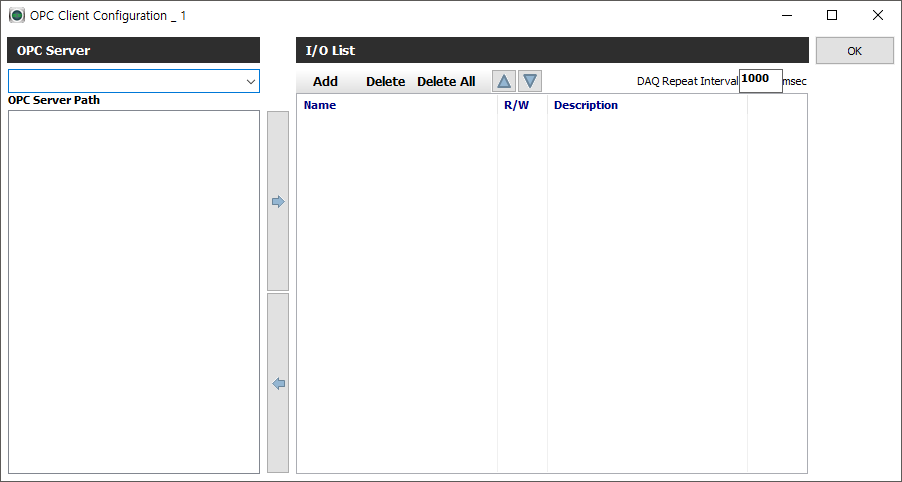
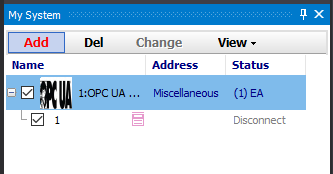
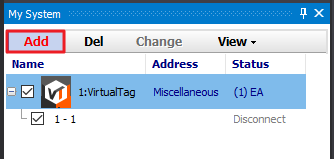
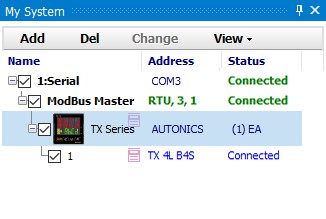
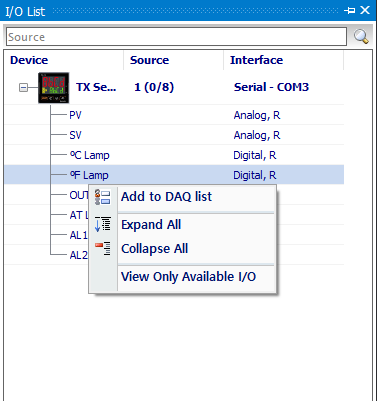
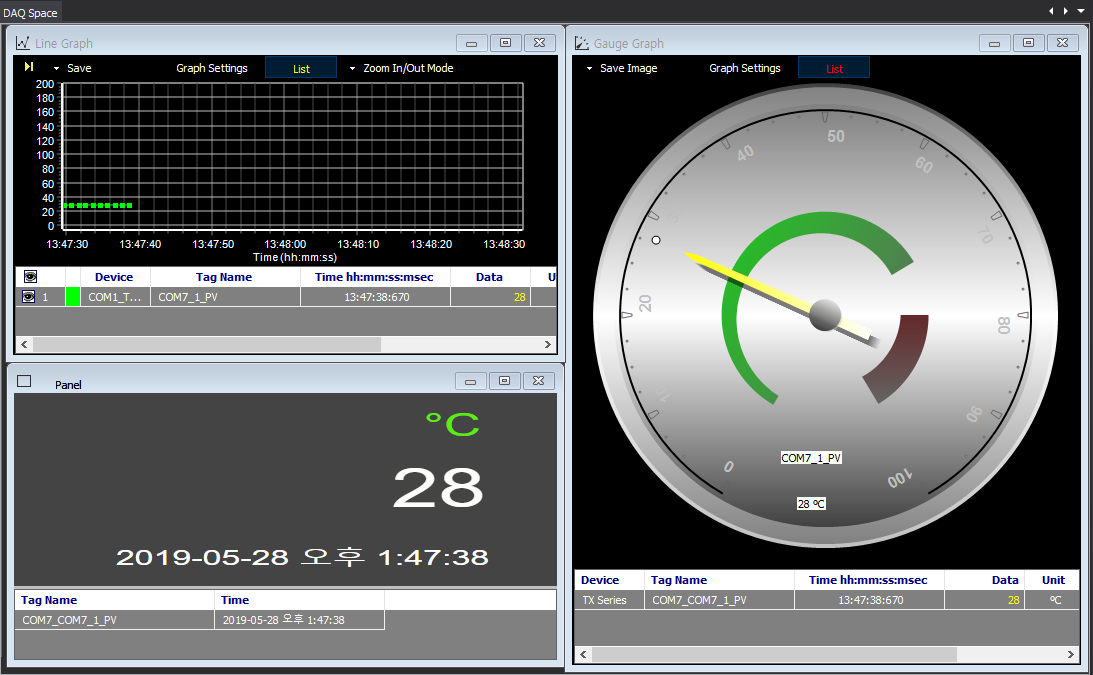
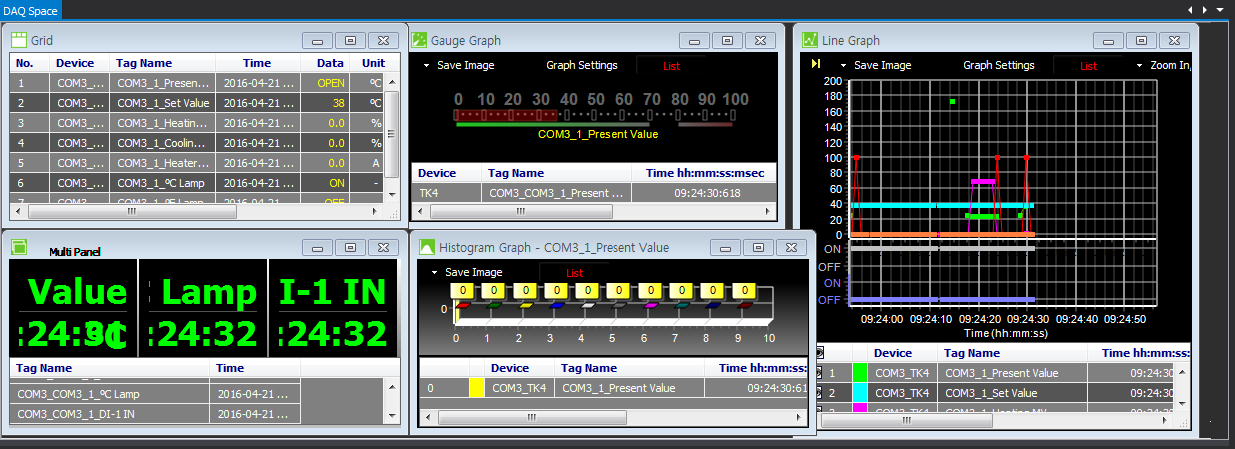
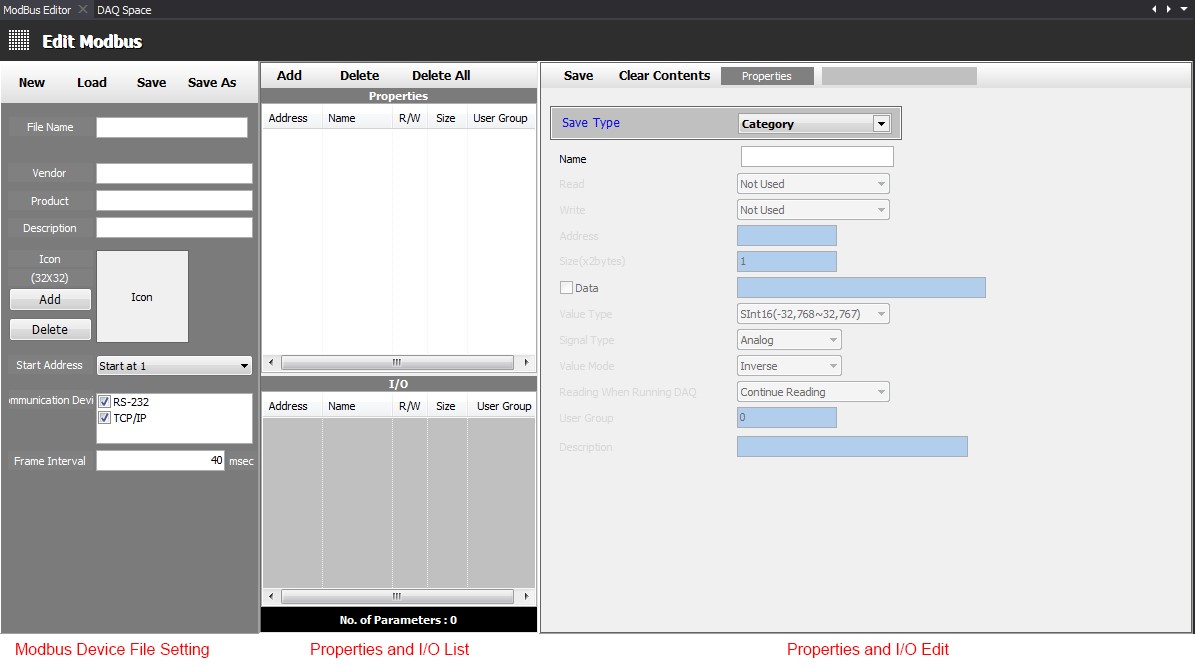
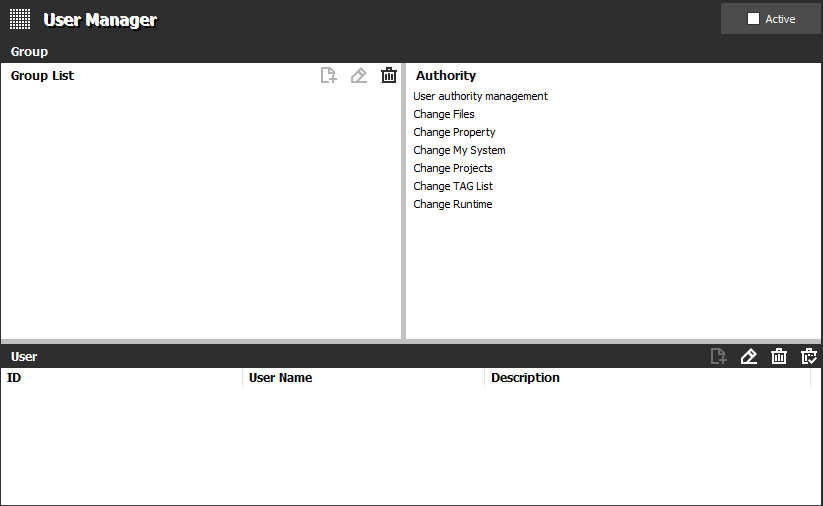
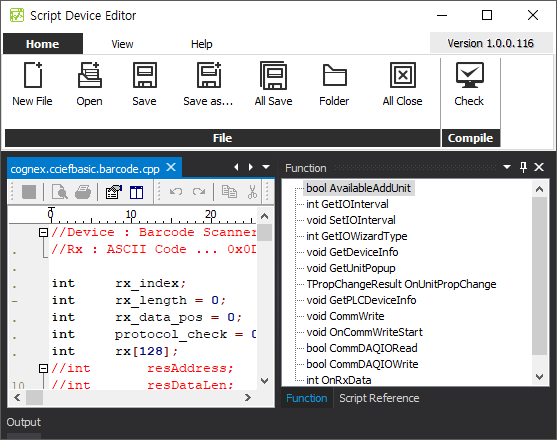
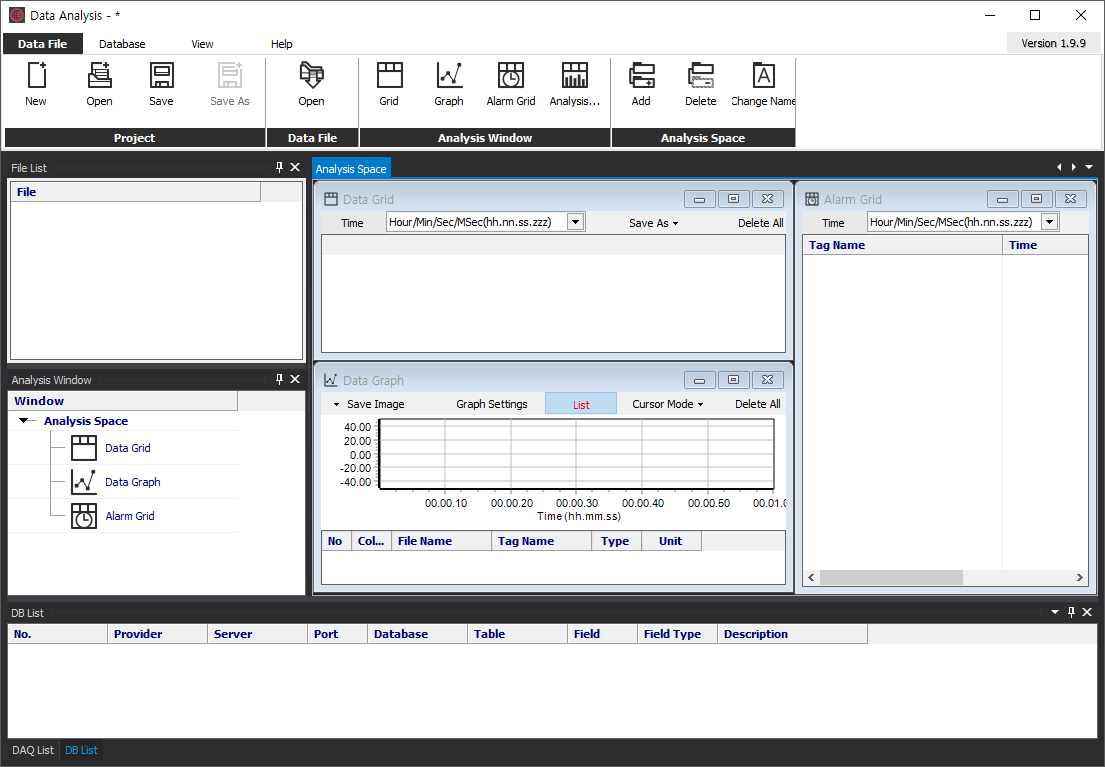
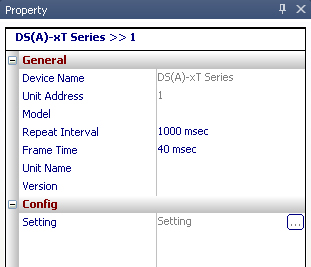
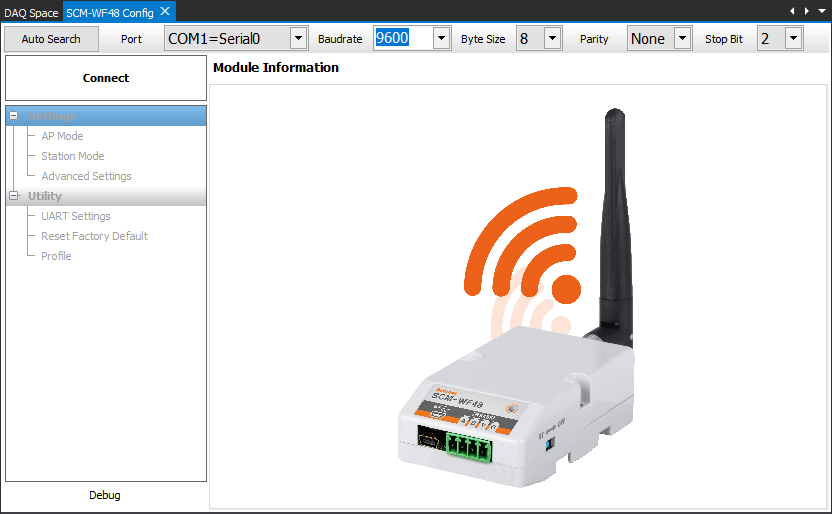
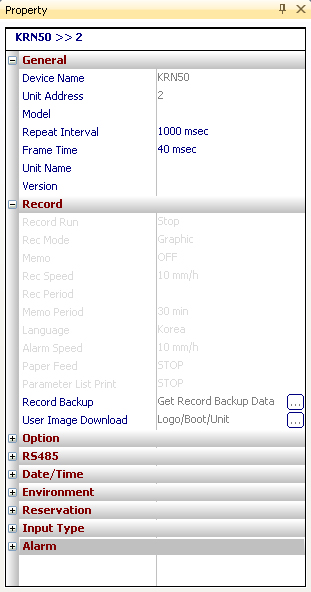
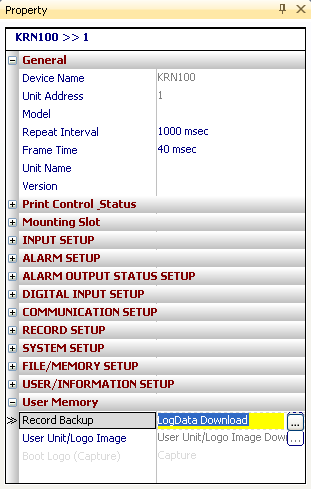
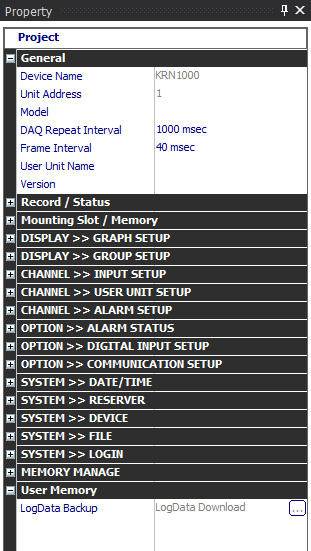
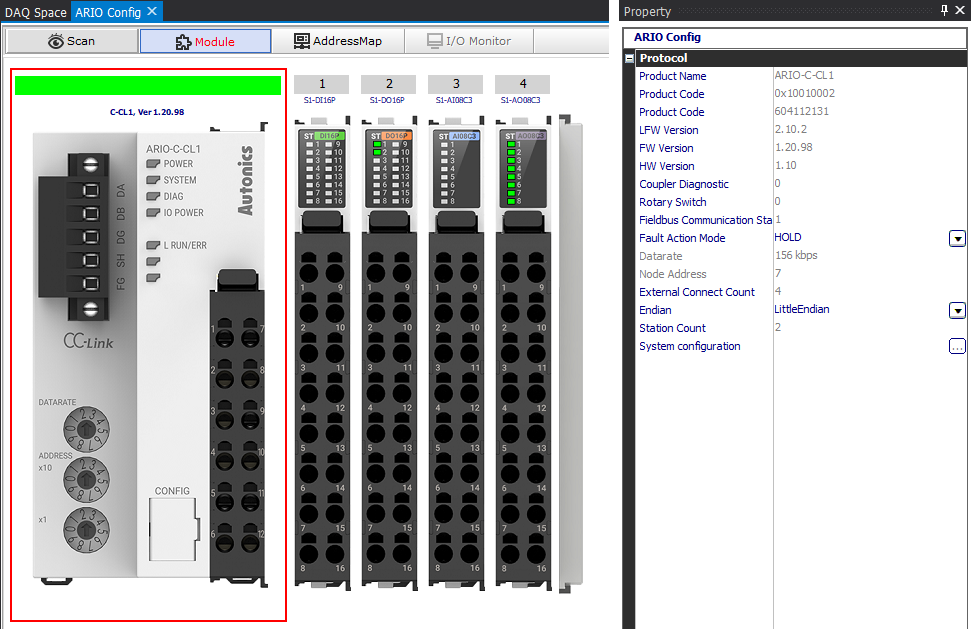
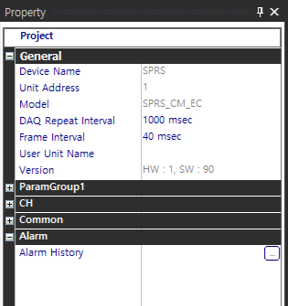
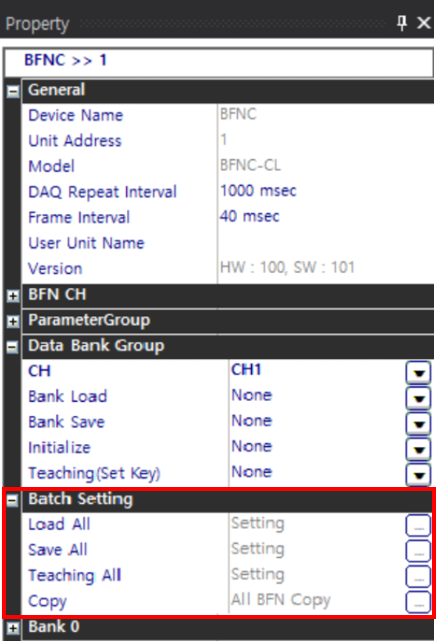
Quick-start wizard for new users. Walks through device connection, parameter setting, and basic monitoring so first-time users can be productive in minutes. Covers creating a project, adding a supported device, configuring My System, defining IO points, opening a runtime screen, and running logging.
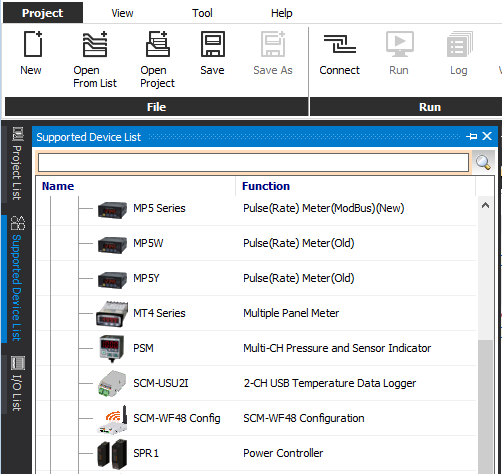
img_p031_00.png
· native size: 502×474px
First-run wizard (3-step)
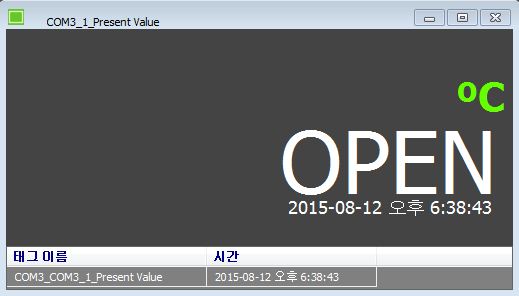
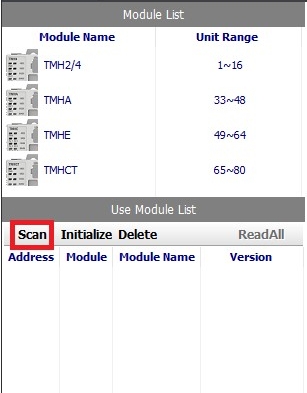
Detect first-run (no project in localStorage). Show a 3-step wizard: 1) Create project name + description, 2) Scan for devices on the local network or connected USB, 3) Drop user into the default runtime screen with the first tag live.
Contextual help overlays
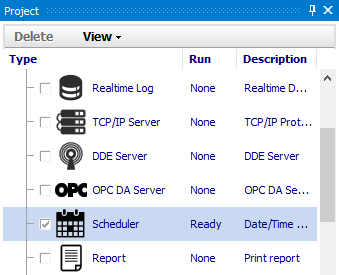
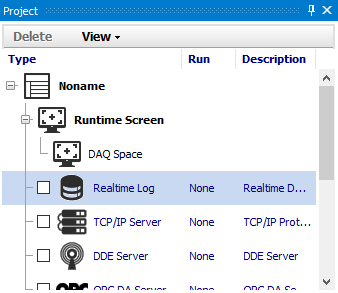
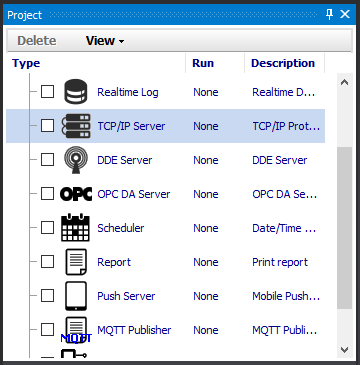
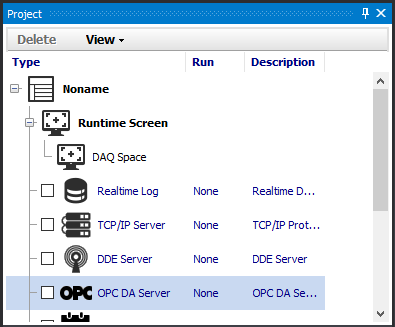
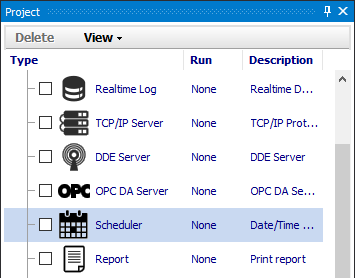
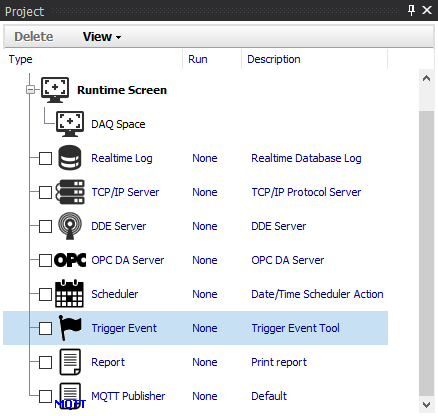
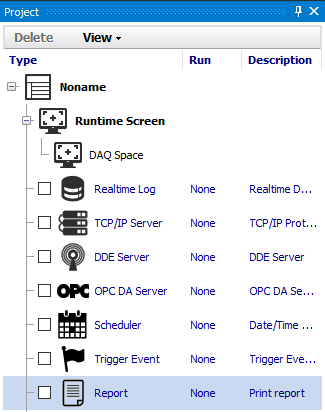
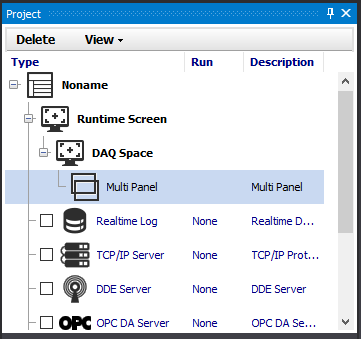
First time a user hovers a non-obvious UI element (e.g. 'OPC DA Server' in the project tree), show a one-line tooltip + a 'Learn more' link to the relevant section of the in-app docs.
Sample project template gallery
Ship 3-4 example projects: 'Single temperature controller', 'Multi-zone oven', 'pH + temperature cascade'. New users can pick a template and explore without configuring hardware.